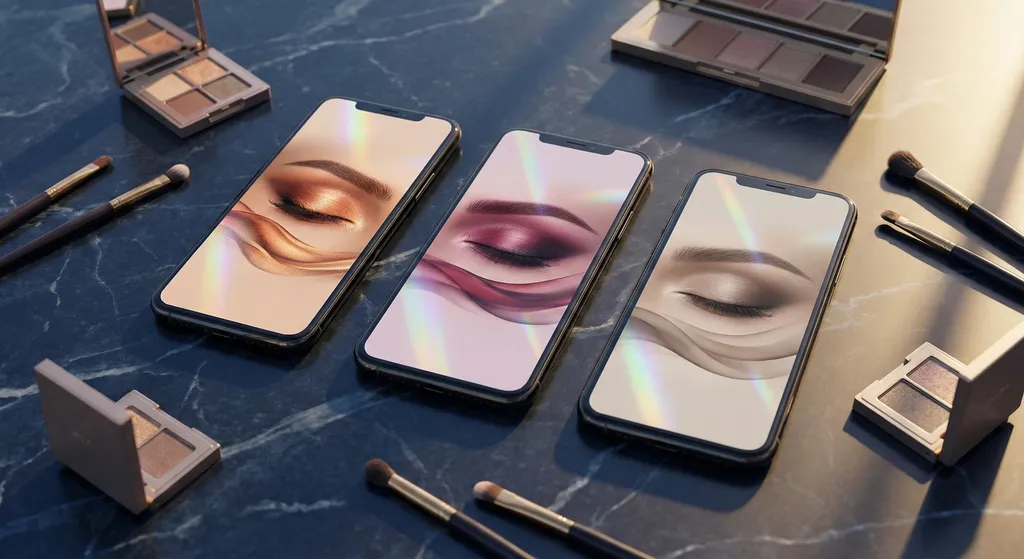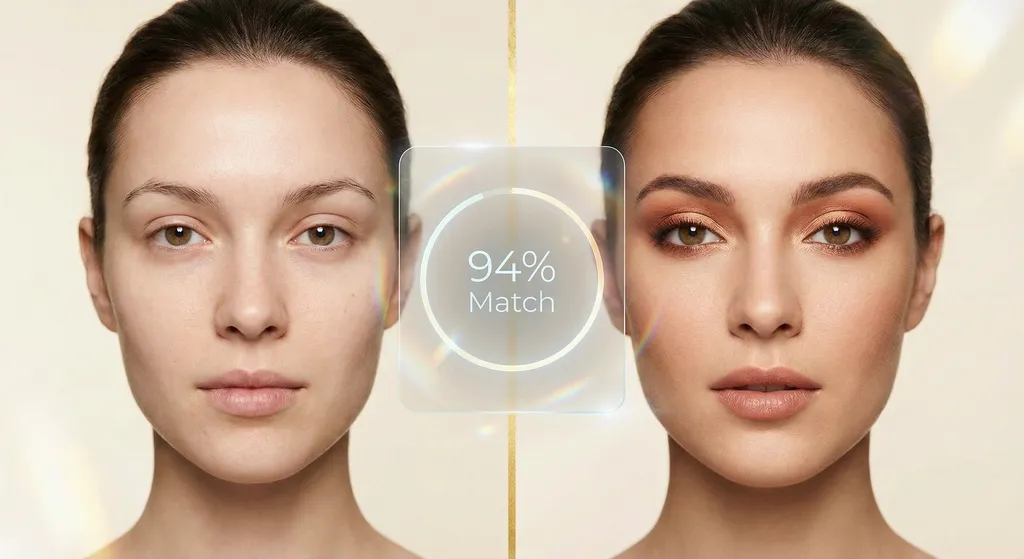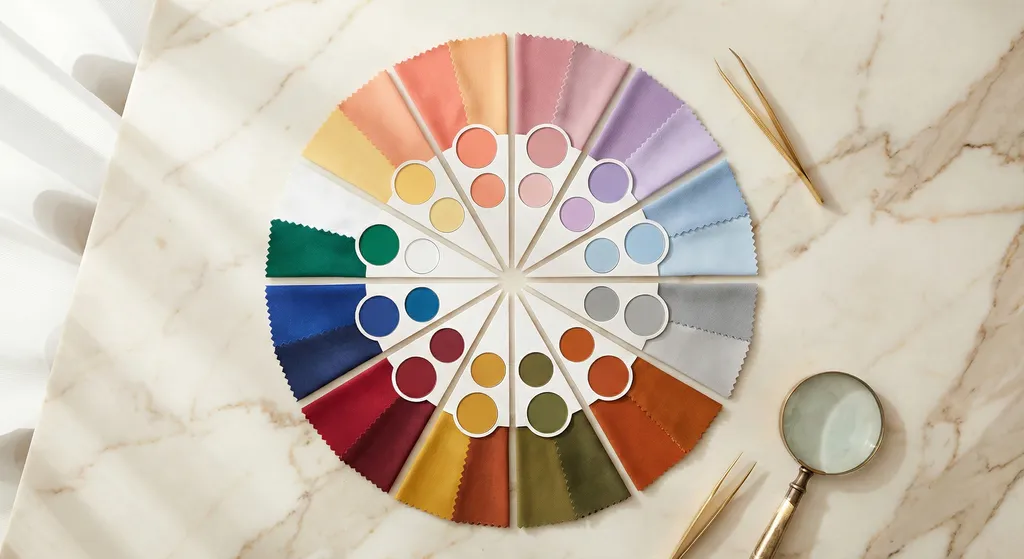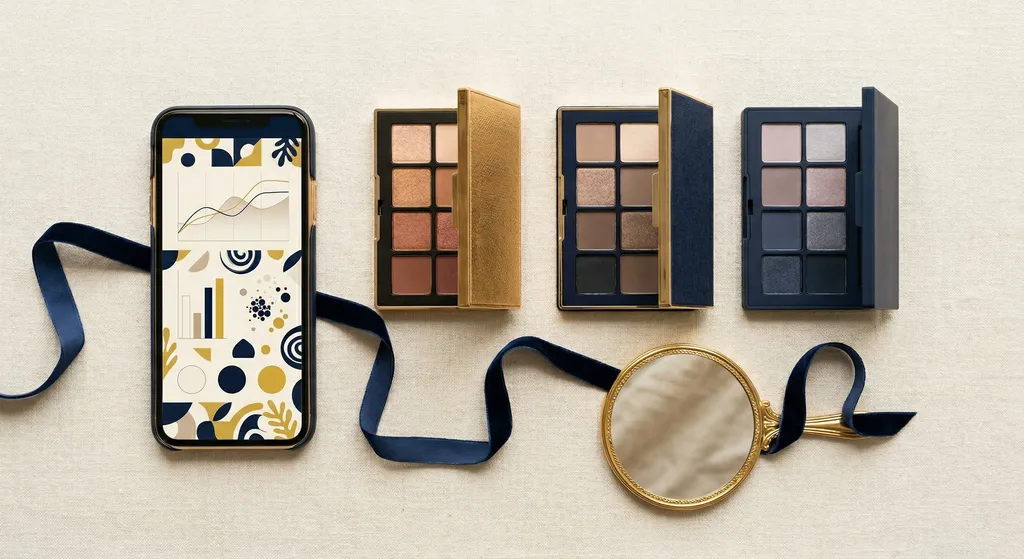
Not every AI makeup app is trying to do the same thing. Some are photo editors that swap colors on your face. Some let you preview a specific lipstick before buying it. Some build recommendations from your coloring and eye shape. The right app depends on what you actually want, and reviews that rank apps in the abstract rarely help you figure that out. This guide walks through seven features worth evaluating so you can decide which apps fit your priorities.
Try BeautySpark: personalized eye makeup tutorials built for your featuresWhy Most AI Makeup App Reviews Miss the Point
Search for "best AI makeup app" and you will find dozens of roundups ranking apps by overall score. These reviews have a fundamental problem: they evaluate apps in the abstract, not relative to your specific situation.
A five-star rating tells you that many people liked an app. It does not tell you whether the app considers your undertones at all, assigns you a color season, or looks at coloring in any form. It does not tell you whether face shape or eye shape factor into the result, or whether the app treats every face as the same canvas. It does not tell you whether you will be pushed toward products to buy, whether you can use palettes you already own, or whether the app makes product recommendations at all. Apps marketed as "AI makeup" span that entire spectrum, and a ranking cannot tell you where a given app sits on it.
The better question is not "which AI makeup app is best?" but "which features matter for what I am trying to do?" Once you know what you want an app to deliver, evaluating any specific one becomes straightforward.
The right framework for choosing an AI makeup app is matching features to your priorities, not chasing a ranked list.
7 Features to Evaluate Before You Download an AI Makeup App
Color Analysis Depth
Our position: color analysis should be the foundation of any makeup app. Makeup that flatters you starts with understanding your coloring. Plenty of apps marketed as "AI makeup" skip this entirely. Some are filter apps that drop the same look on every face regardless of undertone. Others note a broad skin tone category and stop there.
If undertone matching matters to you, the first thing to check is whether the app does color analysis at all. If it does, the next question is how deep.
The simplest systems use a four-season model: Spring, Summer, Autumn, Winter. That groups people with very different coloring into one bucket. A twelve-season system subdivides each main season into three sub-types based on your dominant coloring characteristic (value depth, chroma, or hue temperature).
Why it matters in practice: two people with warm undertones can look wildly different. A Soft Autumn has muted, low-contrast coloring and suits dusty taupes and warm bronze. A Dark Autumn carries deeper contrast and handles rich tobacco browns and forest greens. A four-season system lumps them both into "Autumn" and hands over identical recommendations. A twelve-season system treats them as distinct and generates looks tuned to each.
If an app claims color analysis, check whether it uses a twelve-season framework and whether it pushes past basic warm/cool detection to name a specific season. For a full breakdown of how the twelve-season system works, see our guide to 12-season color analysis.
If matching makeup to your coloring matters, color analysis depth is the single biggest factor in whether an app's recommendations will actually suit you.
Personalization Beyond Skin Tone
Most AI makeup apps stop at skin tone, and plenty do not even go that far. Apply the same generic look to every face and you can still market it as "personalized" if nobody checks. If you want recommendations that actually fit your features, this is worth looking for deliberately because it is not the default.
Real personalization leans on three factors working together: your coloring (color season), your facial anatomy (face shape and eye shape), and your preferences (occasion, intensity, style). Skin tone on its own is one signal out of many.
The gap between "warm skin tone" and real personalization is wide. Knowing someone has warm undertones hints at which color families might suit them. It says nothing about hooded eyes that need shadow above the natural crease, monolid eyes that benefit from a different gradient than almond eyes, or deep-set eyes where lighter crease shades keep the socket from looking more recessed.
When you compare apps, ask whether each one detects eye shape and adapts its guidance accordingly. Ask whether face shape factors in. If skin tone is the only personalization lever, you are looking at color matching dressed up as personalization.
The apps worth your time combine eye shape detection with color analysis, because placement depends on anatomy as much as on coloring.
Look for personalization that goes past skin tone, because most apps do not offer it and the ones that do produce noticeably more relevant looks.
AI-Generated Looks, AR Try-On, and Filters
Three different technologies get marketed under the "AI makeup" label, and apps routinely blur the lines between them. Knowing which one you are actually dealing with saves a lot of confusion.
Filters are the most familiar. These are the beautifying effects you know from TikTok and Instagram: they smooth skin, brighten eyes, sometimes enlarge or reshape features, and occasionally animate or "upscale" you into a glossier version of yourself. A filter drops the same blanket aesthetic on whatever face is in frame. It is built for entertainment, not analysis, and it tells you nothing about what makeup would actually suit you.
AR try-on is the product-preview technology. It overlays a specific shade on your face in real time through your camera, using facial landmark detection, so you can see an actual lipstick or eyeshadow before buying it. The catch is that the overlay is a flat rendering of the product color. It does not account for how the shade will wear on your skin, how your undertone will shift it, or how the finish behaves in real light.
AI look generation is the only one of the three built around you rather than around a product or an effect. It analyzes your features and creates a complete look designed for them, returning a personalized recommendation or a generated image of what makeup suited to your coloring and face shape would look like. The purpose is discovery: finding what flatters you, not previewing one product or polishing your selfie.
The three answer different questions. A filter just decorates whatever it is pointed at. AR try-on shows a rough approximation of a specific product on your face. AI look generation tries to answer the bigger one: what makeup would flatter me? Before you download an app, decide which of those you are actually after.
Filters, AR try-on, and AI look generation are three separate things: a blanket effect, a product preview, and a look built for your features. Knowing which one an app offers tells you what you will actually get from it.
Step-by-Step Application Tutorials
Most AI makeup apps do not offer tutorials at all. You upload a selfie, the app produces a stylized result image, and the trail ends there. You see what a look might look like on you without any guidance on how to recreate it. If you want to wear the look rather than just view it, tutorials are something to look for deliberately.
Useful tutorials walk you through product placement step by step, and the strongest ones adapt placement to your specific face. A tutorial that works for almond eyes fails for hooded eyes if the shadow placement is not adjusted. The crease sits in a different location relative to the lash line, the available lid space varies, and a blending direction that looks clean on one eye shape can look muddy on another.
When you shortlist apps, check whether tutorials exist at all. If they do, check whether the placement instructions adjust for your eye shape. Generic steps that apply the same technique to every face are better than nothing, but they are not the same as guidance built for your anatomy.
Step-by-step application tutorials, especially ones adapted to your eye shape, are what turn a generated image into a look you can actually recreate.
Works With Your Own Products
Consider what happens after an AI makeup app hands you a recommendation. If the only path forward is buying new products from the app's brand partners, you have not gained a tool. You have gained an advertising channel with extra steps.
This is where most of the market sits. Apps pull from a curated catalog they have commercial relationships with, and the palettes already in your drawer go unused.
Palette scanning changes that. You photograph your physical eyeshadow palettes with your phone, the app pulls the color data from each pan, and those specific shades feed into your recommendations. The result is looks built from what you already own.
We want to be honest about the landscape here. Palette scanning is rare. To our knowledge, BeautySpark is the only app offering it. We flag it in this guide because we think it matters, not because there is a feature to compare across the market. If recommendations built from products already in your kit sound useful to you, palette scanning is worth asking about, even though most apps will not have it.
Palette scanning is uncommon, and it is what turns a recommendation engine into something you can actually use with the products already sitting in your drawer.
Privacy and Data Handling
When you upload a selfie to an AI makeup app, you are providing biometric data. Your facial geometry, skin tone, and physical features are all being processed. In many jurisdictions, biometric data carries specific legal protections, and the standards for how companies handle it are evolving quickly.
In 2026, 61 data protection authorities published a joint statement specifically addressing privacy concerns in AI image generation, signaling that regulators around the world are paying close attention to how consumer photos are collected, stored, and used.
Before using any AI makeup app, check four things: where your photos are stored (on-device versus in the cloud), whether they are deleted after the analysis is complete or retained indefinitely, who has access to your data and whether it is shared with third parties, and whether your photos are used to train AI models (which typically requires your explicit consent under modern privacy frameworks).
Red flags include apps with no privacy policy at all, vague language around "we may share with partners," and no clear answer about whether uploaded photos are retained or deleted.
Your selfie is biometric data: check where it goes, how long it is kept, and whether it is used for AI training before you upload.
Pricing Transparency
Free-to-download is table stakes in the app store, so the real question is what you actually get once you open the app.
Pricing models vary widely. Some apps run on a freemium structure where a portion of features sits on the free tier and more advanced features require a subscription. Some gate core functionality behind a subscription from the start. Some use auto-converting free trials: you enter payment details upfront and get charged when the trial ends unless you actively cancel. Each model can be implemented well or badly, and "free" by itself does not tell you whether an app will be useful to you.
Honest pricing is clearly communicated upfront. You should be able to understand what you get at each tier before handing over any payment information. Look for apps that spell out exactly which features live on each plan, with no ambiguity about what requires an upgrade and no surprises at the paywall.
The value question is separate. A paid subscription to an app that produces personalized, actionable eye makeup tutorials is a different proposition than paying for an app that mostly offers premium filters. Judge pricing on what you actually receive, not on which tier is labeled free.
Clear pricing with explicit feature breakdowns at each tier is a sign that an app respects its users; hidden paywalls and vague trial terms are not.
Get Personalized Eye Makeup Tutorials Built for Your Features
BeautySpark analyzes your color season and eye shape from a selfie, then generates step-by-step eye makeup tutorials using your own palettes. Available on iOS and Android.


Quick Evaluation Checklist
Use this table to assess any AI makeup app before committing.
| Feature | What to Look For | Red Flag |
|---|---|---|
| Color Analysis Depth | Any color analysis at all, ideally a 12-season system with undertone, value, and chroma detection | No color analysis, or only warm/cool or 4-season analysis |
| Personalization Beyond Skin Tone | Eye shape and face shape detection alongside color season | Skin tone is the only personalization variable, or no personalization at all |
| Filters vs. AR Try-On vs. AI Generation | A clear explanation of which technology the app uses and what it produces | "AI-powered" with no detail on what the AI actually does |
| Step-by-Step Application Tutorials | Tutorials exist and adapt placement to your eye shape | No tutorials at all, or generic steps applied to every face |
| Works With Your Own Products | Palette scanning (uncommon, but worth asking about if you want looks built from what you already own) | All recommendations require purchasing from a partner catalog |
| Privacy and Data Handling | Clear policy on photo storage, deletion, data sharing, and AI training use | No privacy policy, vague partner sharing language, or no deletion option |
| Pricing Transparency | Explicit feature list for each plan tier before payment details required | Auto-converting trials, hidden paywalls, or vague upgrade prompts |
Red Flags to Watch For in AI Makeup Apps
Even a quick scan of an app's store page can reveal a lot before you download anything. These warning signs are worth taking seriously.
Unrealistic before/after photos. Heavy filtering that makes skin look like porcelain or digitally enlarges eyes is a sign that the app is selling an aesthetic, not delivering an analysis. Treat polished marketing imagery with suspicion when the "after" looks more like a filter pass than an actual makeup application.
"AI-powered" with no explanation of what the AI does. Every app claims to use AI. The meaningful question is what the AI is actually analyzing. An app that cannot explain whether its AI examines undertone, eye shape, face geometry, or seasonal coloring is probably applying filters with a marketing rebrand.
Only works with one brand's products. An app that exclusively recommends shades from a single brand's catalog is a shopping tool, not a personalization tool. Genuine personalization is brand-agnostic.
No information about data handling or privacy policy. An app that collects your selfies but cannot tell you what happens to them afterward should not receive your biometric data.
Accuracy claims with no methodology. "98% accuracy" means nothing without an explanation of what was measured, how the measurement was done, and what the baseline for comparison was.
The apps worth trusting are the ones that can explain exactly what they do and how they do it.
Frequently Asked Questions
Ready to Compare Specific Apps?
Now that you know which features to weigh and why each one matters, the next step is seeing how popular AI makeup apps stack up against your priorities. Our comparison of six leading apps evaluates BeautySpark, YouCam, GlowUp, Dressika, Fotor, and Colorwise.me side by side across the dimensions covered in this guide.
Compare the top AI makeup apps side by side to see where each one excels and where it falls short.
See Personalized Eye Makeup Tutorials Built for Your Face
BeautySpark identifies your color season from a selfie, detects your eye shape, and generates step-by-step eye makeup tutorials using your own palettes. Subscription required. Available on iOS and Android.